
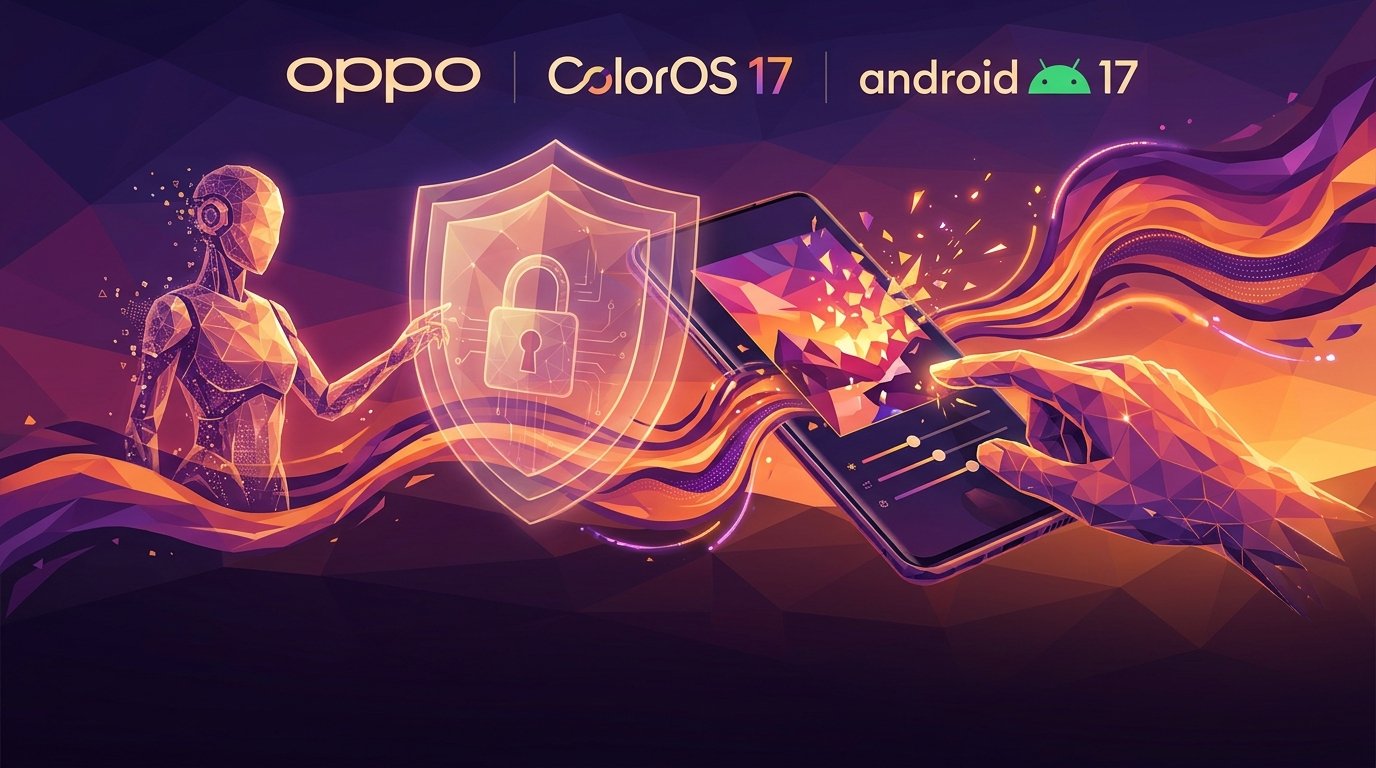
What Is ColorOS 17?
ColorOS 17 is OPPO's latest major Android interface, based on Android 17 and announced globally on October 13, 2026. The release is not simply a visual refresh. OPPO is positioning it as a system-wide update that connects design, artificial intelligence, personal information management, photography, communication and privacy. Its central idea is to move beyond an assistant that only answers questions toward an assistant that can understand a goal and help complete a sequence of actions. Those actions can involve personal files and photos, so OPPO emphasizes user permission and controls as part of the experience.
The Flow Design Language
ColorOS 17 introduces a visual language OPPO calls Flow, using translucent layers, soft lighting effects and more fluid motion. The goal is to make transitions between apps, menus, pop-ups and system controls feel more consistent and responsive. OPPO also describes a new rendering and animation engine intended to improve the sense of continuity during everyday interactions. Actual smoothness will still depend on the phone model, processor, memory, software build and background workload. A major operating-system update does not guarantee identical performance across every eligible device, especially older or entry-level hardware.
AI Mind Pilot: From Answers to Multi-Step Actions
One of the headline additions is AI Mind Pilot with Agent Mode. OPPO says the feature can interpret a user's goal, plan multiple steps and act on files and photos stored on the phone after receiving permission. For example, a user could ask it to gather flight itineraries, hotel bookings and attraction tickets from different files, organize the information, rename documents based on their contents and turn the material into a travel itinerary. It can also find photos from a particular trip and sort them into albums based on places or other criteria. OPPO worked with Manus to adapt multi-step planning and task execution for ColorOS 17. The company says Agent Mode will initially support both Manus and ChatGPT.
AI Mind Pilot use cases
- Collecting and organizing travel documents.
- Renaming files based on their contents.
- Sorting photos into albums by location.
AI Photo Agent and Natural-Language Editing
AI Photo Agent is designed to make image editing easier to describe. Rather than choosing a tool and manually adjusting several settings, users can explain the change they want in natural language. The feature can analyze an image and recommend editing directions, or work from a written instruction and a reference image that communicates a desired style. OPPO says the experience is backed by six specialized imaging models covering different editing tasks and system-level optimization intended to preserve important qualities of the original image, including ProXDR effects. Availability will roll out gradually across countries and regions. Monthly usage limits vary, and OPPO says European availability will follow at a later date.
AI Mind Space and Long-Document Capture
AI Mind Space acts as a personal hub for saving, organizing and revisiting information. ColorOS 17 adds Long-doc Capture, which lets users save long-form articles stored on the phone in one operation and use intelligent summaries to grasp their main points. The system also supports saving links from platforms including YouTube and TikTok. Smart Collections can automatically group related items so that saved information is easier to retrieve. These features may help people who collect research, notes, videos and web references throughout the day. However, automatic summaries can omit nuance or context, so users should return to the original source before relying on a summary for important decisions, research or professional work.
AI Mind Suggest and OSee
AI Mind Suggest is intended to surface useful information at relevant moments by understanding changing context. OPPO's examples include bringing up details for an upcoming journey, keeping travel updates and disruption alerts accessible, and showing personalized suggestions such as music. OSee brings visual AI capabilities into a camera-based experience. A user can point the camera at a menu to translate it, scan a paper document into a cleaner digital copy or ask for information about an object in view. Some services and examples are limited to specific countries or regions, so the feature set should not be assumed to be identical worldwide. Users should check local availability and supported languages.
AI Live Interpreter and Communication
The upgraded AI Live Interpreter is designed to make conversations across languages easier when paired with supported OPPO earbuds. Translated speech can be delivered through the earbuds while the conversation remains visible on the phone screen. OPPO specifies compatibility with OPPO Enco X4 or OnePlus Buds Pro 4 and selected OPPO or OnePlus phones running ColorOS 17. This is not a universal feature for every Bluetooth headset or Android phone. Users should test the languages and conversation conditions they need before depending on it for travel, meetings or important discussions. Background noise, accents, speaking speed and specialist vocabulary can all affect translation quality.
Privacy and Security for AI Features
OPPO says AI Mind Pilot can index files and photos on-device for tasks such as searching, organizing and renaming content without sending the original files to third-party AI services. If an action requires external upload, the system asks for explicit user authorization. For cloud-based AI experiences, OPPO describes Private Computing Cloud as an additional protection layer and says a PCC Transparency Report will show which AI services were used and when processing occurred, with reports available to view and export from the device. The company also refers to post-quantum security capabilities for data transmission between the phone and cloud. AI Call Guard is designed to detect potential fraud signals, including AI-generated voices and face swaps, but OPPO lists availability in Indonesia, India and Thailand.
OPPO says Agent Mode requests explicit authorization when a task requires files to be uploaded to an external service.
Eligible Phones and the Rollout
OPPO announced a global ColorOS 17 rollout beginning in late October 2026, with flagship devices receiving the update first and more models following in later waves. Reports on November 2 said the stable update had started reaching Find X8 users in markets including India, Indonesia and Malaysia. This is a phased deployment, not a simultaneous worldwide release. Timing can vary by country, model number, software build and carrier. Owners should rely on the update notification on their own phone and the support information for their local market. A rollout reported in one country does not prove that the same build is available to every device with the same retail name elsewhere.
How to Check for the Update
To check manually, open Settings and look for System and Updates or Software Update; menu labels can vary by device language and software version. Select the option to check for updates and follow the on-screen instructions if a compatible build is offered. If nothing appears, the phone may not yet be included in the current regional rollout wave. Before installing a major update, charge the battery, use a stable network, make enough storage available and back up important files. Confirm the model number and software version against OPPO's official instructions. Avoid downloading firmware packages from untrusted websites or changing device-region settings simply to force an early update.
Is ColorOS 17 Worth the Upgrade?
The value of ColorOS 17 depends on which features fit a user's routine. People who collect documents, links and travel details may benefit from Mind Space and Agent Mode. Frequent mobile photographers may find AI Photo Agent useful, while OSee and Live Interpreter could help with travel and communication. But users should not buy a new phone solely for one advertised AI feature until they confirm that it is supported on the exact model, in their language and region. Some capabilities may require an internet connection, an account, compatible accessories or an allowance with monthly limits. Read the feature terms before building an everyday workflow around them.
Frequently Asked Questions
Is ColorOS 17 based on Android 17? Yes, according to OPPO. When was it announced? October 13, 2026. Will every OPPO phone receive it at once? No, the rollout is phased and depends on model and region. Does AI Mind Pilot support ChatGPT? OPPO says Agent Mode will initially support ChatGPT and Manus. Is AI Photo Agent available everywhere? No, it is rolling out gradually and availability and usage limits vary. Does AI Live Interpreter work with any earbuds? No, OPPO specifies compatible earbuds and selected phones. Where should users check for the update? In the phone's software-update settings and on OPPO's official regional support pages.
Conclusion
ColorOS 17 is a broad platform update that connects a refreshed interface with AI-assisted task execution, information management, image editing, visual search, translation and security features. Its most distinctive additions include AI Mind Pilot Agent Mode, AI Photo Agent, Mind Space, AI Mind Suggest and OSee. Yet regional availability, compatible hardware, supported languages and privacy permissions remain essential considerations. Before installing the update or buying a phone for a particular AI tool, verify the exact device eligibility and local feature support. The specifications and availability caveats in this guide are based primarily on OPPO's official ColorOS 17 announcement published on October 13, 2026.



Comments (0)
Leave a Comment