
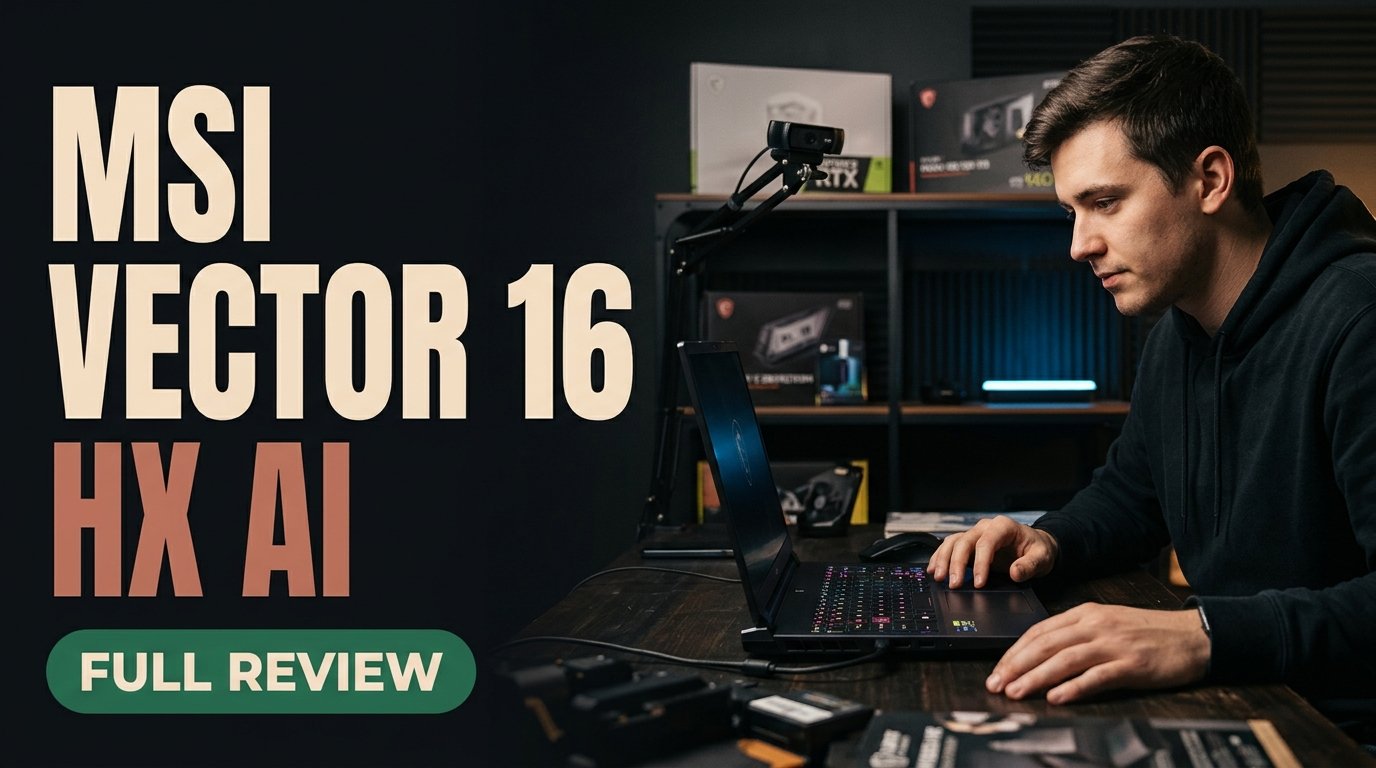
The MSI Vector 16 HX AI stands out in November 2026 as one of the sharpest performance-per-dollar gaming and creator laptops available. By pairing an 85W+ NVIDIA RTX 5070 Ti laptop GPU with GDDR7 VRAM and a crisp 1600p high-refresh display, it delivers desktop-class frame rates and local AI acceleration without luxury flagship markups.
Pure Performance Per Dollar in November 2026
Most flagship gaming notebooks inflate their retail price with CNC-milled billet aluminum lids, elaborate per-key lightbars, and ultra-thin chassis profiles that inevitably throttle under sustained load. The MSI Vector 16 HX AI takes the opposite engineering philosophy. MSI strips away cosmetic chassis gimmicks and directs its bill of materials straight into silicon, cooling capacity, and display clarity. For buyers who care about sustained frame pacing and compute throughput more than boardroom aesthetics, this utilitarian focus pays immediate dividends.
Positioned squarely among November 2026's top value gaming laptop picks, the MSI Vector 16 HX AI targets two overlapping audiences: competitive gamers chasing fluid 1600p frame rates and technical students or independent creators running GPU-accelerated workloads locally. Rather than forcing buyers to step up to halo-tier flagship pricing just to unlock serious graphics bandwidth, the Vector 16 HX AI brings high-wattage RTX 5070 Ti silicon into a far more accessible bracket.
RTX 5070 Ti Laptop GPU and 1600p Gaming Performance
At the center of the MSI Vector 16 HX AI sits NVIDIA's RTX 5070 Ti laptop GPU running with 85W+ of sustained power headroom. In modern gaming laptops, raw silicon branding means little without adequate power delivery and thermal dissipation. Giving the RTX 5070 Ti room to maintain boost clocks allows the Vector 16 HX AI to comfortably drive its native 1600p high-refresh panel without forcing drastic resolution scaling.
Real-World 1600p Ultra Gameplay
Across demanding AAA releases running at 1600p Ultra settings, the MSI Vector 16 HX AI consistently achieves smooth triple-digit frame rates when paired with DLSS frame generation. Even in geometry-heavy open-world scenes and ray-traced lighting environments, frame delivery stays remarkably consistent rather than suffering from jarring micro-stutters. Competitive esports players benefit just as much from the sharp 1600p pixel density and high refresh rate, enjoying crisp distant targets alongside responsive input latency.
Why 1600p Hits the Visual Sweet Spot
On a 16-inch canvas, 1600p (16:10 aspect ratio) hits an ideal balance between image sharpness and GPU efficiency. Compared to 1080p panels, text in code editors, game HUD elements, and fine foliage textures appear noticeably cleaner. Compared to 4K laptop displays, 1600p avoids crushing frame rates or draining GPU memory buffers on excessive native pixel counts, letting the RTX 5070 Ti focus its compute budget on lighting fidelity and high refresh rates.
Local AI Acceleration and Blender 3D Workflows
What separates the MSI Vector 16 HX AI from older mid-range gaming laptops is how capably it doubles as a portable workstation. The RTX 5070 Ti's generous GDDR7 VRAM pool and high memory bandwidth make a tangible difference the moment you leave games behind and open local generative AI tools or 3D production suites.
Local Image Generation and Model Inference
Running local diffusion models, upscalers, and quantized language models quickly exposes VRAM bottlenecks on entry-level laptops. With GDDR7 memory backing the RTX 5070 Ti, the MSI Vector 16 HX AI handles local image generation pipelines and iterative prompt testing rapidly without constantly offloading layers to slower system memory. Students studying machine learning and developers prototyping AI features offline gain a dependable local sandbox without racking up recurring cloud GPU rental bills.
Blender Viewport Rendering and Creative Acceleration
In Blender, GPU-accelerated viewport shading and final ray-traced renders see dramatic speedups over integrated graphics or lower-tier discrete cards. Complex multi-light scenes scrub smoothly in real time, allowing 3D artists, architecture students, and video editors to iterate faster. The extra vertical screen space of the 1600p display also keeps timeline tracks, shader node graphs, and toolbars comfortably legible without requiring an external monitor on day one.
MSI Vector 16 HX AI Specification and Workload Matrix
Category MSI Vector 16 HX AI Implementation Practical Impact
Graphics Engine NVIDIA RTX 5070 Ti Laptop GPU (85W+ class) Sustained boost clocks for heavy gaming and compute
You May Also Like
Video Memory Generous GDDR7 VRAM architecture Faster local AI generation and Blender viewport rendering
Display Panel Sharp 1600p high-refresh 16-inch screen Crisp visuals with smooth triple-digit AAA frame rates
Chassis Priority Utilitarian build skipping flashy gimmicks Maximizes performance per dollar over luxury aesthetics
Thermal Acoustics Aggressive fan curve under full Turbo load Keeps silicon cool; headset advised for competitive play
Thermals, Fan Acoustics, and Daily Usability
Pushing desktop-class GPU performance inside a portable 16-inch enclosure always involves acoustic trade-offs, and the MSI Vector 16 HX AI makes no attempt to hide them. Under light productivity, web browsing, and document editing, the cooling system stays restrained. Switch into full Turbo mode for extended AAA gaming or batch AI rendering, however, and you should expect noticeable fan spin.
Managing Noise Without Sacrificing Stability
The upside of MSI's aggressive cooling profile is thermal headroom that prevents sudden clock-speed drops during long sessions. For competitive gamers, wearing a closed-back headset easily masks the fan hum while keeping GPU temperatures in check. Creators working in quiet studios or libraries can step down from Turbo to Balanced performance profiles, trading a modest slice of peak throughput for much gentler acoustic output.
Key Practical Takeaways for Prospective Buyers
- Unmatched Value Focus: Skips ornamental chassis extras to put maximum budget into RTX 5070 Ti GPU muscle and a sharp 1600p screen.
- Strong 1600p Ultra Capability: Delivers fluid triple-digit FPS in modern AAA titles with DLSS frame generation enabled.
- Creator-Ready GDDR7 VRAM: Accelerates local AI image generation, offline inference, and Blender 3D viewport rendering reliably.
- Headset-Friendly Acoustics: Expect audible fan spin under full Turbo workloads in exchange for sustained thermal stability.
How to Get the Most Out of the MSI Vector 16 HX AI
- Select the Right Performance Profile: Reserve Turbo mode for competitive 1600p gaming and heavy local AI batches, while using Balanced mode for everyday study or office work.
- Enable DLSS Frame Generation: Turn on NVIDIA's frame generation in supported AAA games to push high-refresh 1600p smoothness into triple-digit territory.
- Optimize Local AI Backends: Configure CUDA and Tensor-accelerated runtimes in your local image generation and Blender preferences to take full advantage of the RTX 5070 Ti's GDDR7 bandwidth.
- Ensure Unobstructed Airflow: Keep the laptop elevated slightly on a hard desk surface during sustained renders so the intake vents breathe freely.
For students and creators wanting desktop-class GPU speed on a budget, the MSI Vector 16 HX AI is hard to beat—proving that smart thermal and silicon prioritization matters far more than luxury chassis bling.
Frequently Asked Questions
Is the MSI Vector 16 HX AI good for local AI workloads?
Yes. Thanks to its NVIDIA RTX 5070 Ti laptop GPU and generous GDDR7 VRAM, the MSI Vector 16 HX AI accelerates local image generation, offline AI prototyping, and Blender 3D rendering far more effectively than thin-and-light laptops.
Can the MSI Vector 16 HX AI handle 1600p Ultra gaming smoothly?
Yes. With 85W+ GPU power headroom and DLSS frame generation enabled, it delivers smooth triple-digit frame rates in modern AAA titles on its sharp 1600p high-refresh display.
How loud are the fans on the MSI Vector 16 HX AI?
Under full Turbo load, fan acoustics are noticeably audible as the cooling system works to sustain peak GPU clocks. Wearing a headset is recommended for competitive gaming, while Balanced mode keeps noise lower for everyday tasks.
Who should buy the MSI Vector 16 HX AI over a luxury flagship laptop?
Gamers, engineering or design students, and independent creators who prioritize raw frame rates, GDDR7 compute muscle, and performance per dollar over ultra-slim metal aesthetics will get the best return from the Vector 16 HX AI.


Comments (0)
Leave a Comment