
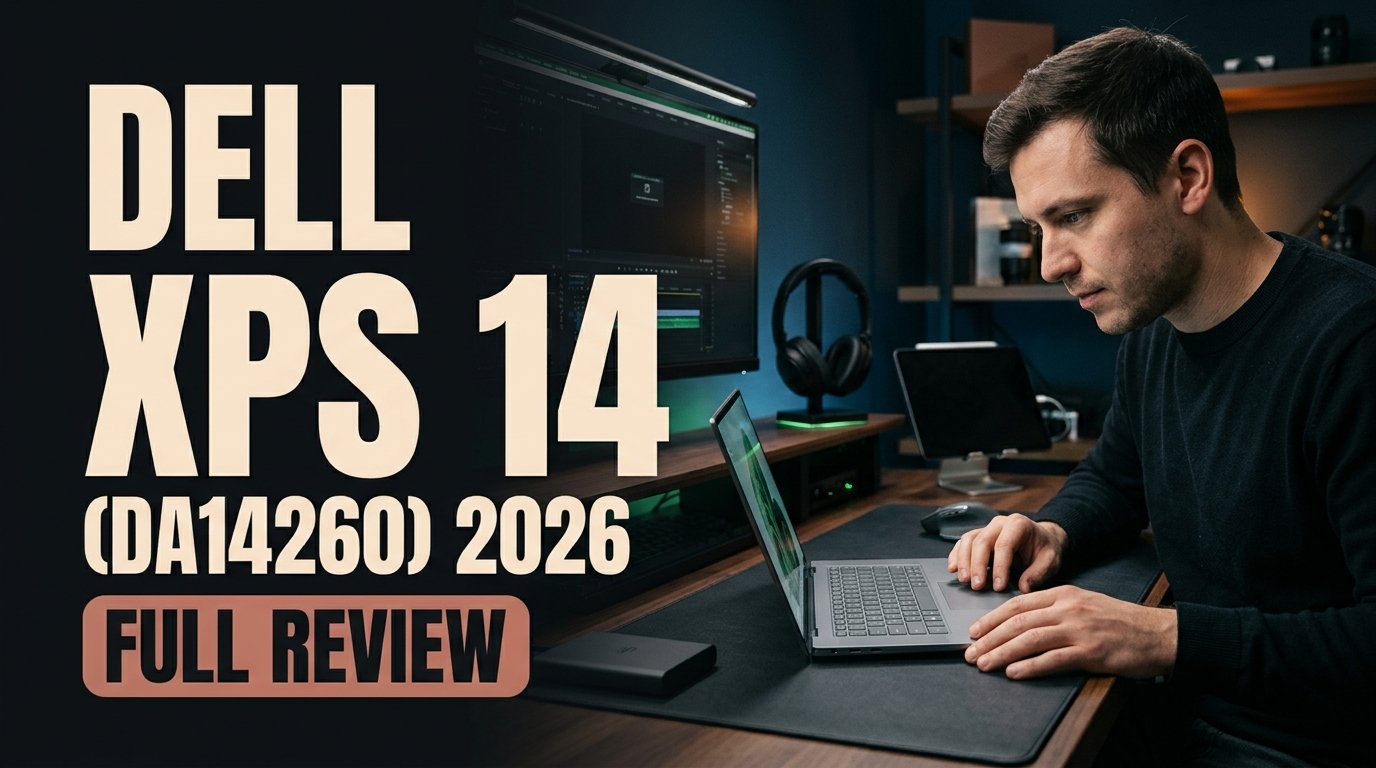
The Dell XPS 14 (DA14260) stands out as 2026's best Windows laptop by uniting a sculpted CNC-machined aluminum chassis with Intel's highly efficient Core Ultra 7 355 processor and integrated Intel Graphics. With a razor-sharp 16:10 display and 14+ hours of real-world battery life, it delivers MacBook-class refinement for native Windows users.
Windows Portability Perfected in 2026
For years, Windows ultrabook buyers had to accept an uncomfortable compromise: either settle for a sleek chassis that ran hot and died mid-afternoon, or carry a bulky workstation to get dependable endurance. The 2026 Dell XPS 14 (DA14260) finally retires that trade-off. By combining precision CNC-machined aluminum construction with Intel's latest efficiency-focused Core Ultra 7 355 platform, Dell has built a 14-inch portable that feels engineered down to every bevel.
The 14-inch form factor remains the sweet spot for hybrid professionals, developers, and analysts. It offers noticeably more breathing room than cramped 13-inch travel notebooks while staying far easier to slip into a commuter bag or open on a tight airplane tray table than 16-inch creator laptops.
Performance, Thermals, and 14+ Hour Battery Endurance
At the heart of the Dell XPS 14 (DA14260) sits Intel's Core Ultra 7 355 paired with integrated Intel Graphics. In 2026, Intel's silicon efficiency leap is no longer a marketing slide—it translates directly into a cooler, quieter daily work machine that sustains snappy multitasking without aggressive thermal throttling.
Real-World Workloads for Developers and Analysts
Whether you are juggling multi-sheet financial workbooks, running local development servers, managing dozens of browser tabs, or jumping across back-to-back video calls, the Core Ultra 7 355 keeps responsiveness steady. Integrated Intel Graphics comfortably drives crisp UI animations, dual-monitor desk setups, and light media edits without pulling unnecessary wattage.
Standout Strengths and the One Catch
Living with the Dell XPS 14 (DA14260) highlights how cohesive the overall package is, alongside one deliberate minimalist compromise you should plan around:
- 16:10 Productivity Screen: The razor-sharp, color-accurate 16:10 panel gives programmers, writers, and data analysts valuable extra vertical real estate so you scroll less through codebases and spreadsheets.
- Cool and Quiet Endurance: Intel's 2026 silicon consistently delivers 14+ hours of real-world battery life without thermal throttling or distracting fan whine.
- CNC-Machined Aluminum Build: Rigid, sculpted fit and finish rivals the best laptops on the market with zero deck flex.
- The Dongle Tax: Minimalist USB-C-only ports keep the profile razor-thin, meaning you will still want a compact hub for legacy USB-A flash drives or HDMI conference room projectors.
Display Ergonomics for Long Coding and Analysis Sessions
The tall 16:10 aspect ratio is more than a spec-sheet checkbox. Compared with older 16:9 widescreen laptops, those additional vertical pixels let you view extra terminal lines, fuller document pages, and side-by-side reference panes without constantly resizing windows. Color accuracy also ensures that UI designers and marketers reviewing campaign assets see consistent tones right out of the box.
Acoustic Discipline and Lap Comfort
Because the Core Ultra 7 355 sips power during routine office and coding workloads, the XPS 14 stays remarkably composed on a desk or lap. You can move through an entire workday of documentation, analytics, and meetings without hunting for an outlet or listening to a jet-engine cooling fan.
You May Also Like
Port Management and Desk Dock Strategy
Minimalist USB-C-only I/O is the clearest reminder that Dell prioritizes sleek industrial design above legacy convenience. At a home or office desk, a single USB-C dock solves power, display, and peripheral connectivity effortlessly, while a pocket-sized travel adapter covers HDMI projectors and older USB-A drives on the road.
Dell XPS 14 (DA14260) At a Glance: Strengths vs. Trade-Offs
Here is how the 2026 Dell XPS 14 (DA14260) stacks up across the core buying criteria that matter most to Windows professionals.
Category Dell XPS 14 (DA14260) Experience Practical Impact for Buyers Processor & Graphics Intel Core Ultra 7 355 + integrated Intel Graphics Fast everyday multitasking with high efficiency Chassis & Build Sculpted CNC-machined aluminum MacBook-class rigidity and premium portability Display 16:10 razor-sharp, color-accurate panel Extra vertical space for code, docs, and spreadsheets Battery Life 14+ hours of real-world endurance True charger-free workday and travel reliability Thermals Cool and quiet without thermal throttling Comfortable lap use and distraction-free meetings Connectivity Minimalist USB-C-only port layout Requires a compact hub for USB-A or HDMI
If you need Windows natively with MacBook-class fit and finish, the 2026 XPS 14 is the clear benchmark.
How to Get the Most Out of the Dell XPS 14 (DA14260)
If you decide the 2026 Dell XPS 14 (DA14260) is your next daily driver, follow these five practical setup steps to eliminate friction from day one:
- Pack a pocket USB-C multiport hub: Keep a slim adapter with HDMI and USB-A in your laptop sleeve so conference room projectors and legacy drives never catch you off guard.
- Use a single-cable desk dock: Pair your primary workstation monitor with USB-C power delivery so plugging in at your desk takes one cable.
- Leverage the 16:10 split-screen layout: Configure Windows Snap Layouts to run your IDE, terminal, or spreadsheet alongside documentation cleanly.
- Keep power mode balanced on battery: Let Intel's Core Ultra 7 355 efficiency scheduling preserve the full 14+ hour endurance window during travel days.
- Confirm GPU requirements before buying: Stick with the integrated Intel Graphics setup for productivity, coding, and light creative work, or look to a dedicated-GPU workstation if your workflow centers on heavy 3D rendering.
Frequently Asked Questions
What makes the Dell XPS 14 (DA14260) the best Windows laptop in 2026?
It hits the rare balance of sculpted CNC-machined aluminum build quality, a color-accurate 16:10 productivity display, cool and quiet performance from Intel's Core Ultra 7 355, and 14+ hours of real-world battery life without thermal throttling.
Is the Dell XPS 14 (DA14260) good for programmers and analysts?
Yes. The 16:10 display provides extra vertical room for code editors, terminals, and dense spreadsheets, while the efficient Intel Core Ultra 7 355 keeps battery life going all day.
What is the biggest downside of the 2026 Dell XPS 14?
Its minimalist USB-C-only port selection. Because there are no built-in USB-A or HDMI ports, users who regularly connect legacy drives or office projectors will need to carry a compact USB-C hub.
How long does the Dell XPS 14 (DA14260) battery last?
Thanks to Intel's 2026 Core Ultra 7 355 efficiency, the XPS 14 delivers 14+ hours of real-world battery endurance on a single charge while staying cool and quiet.



Comments (0)
Leave a Comment