
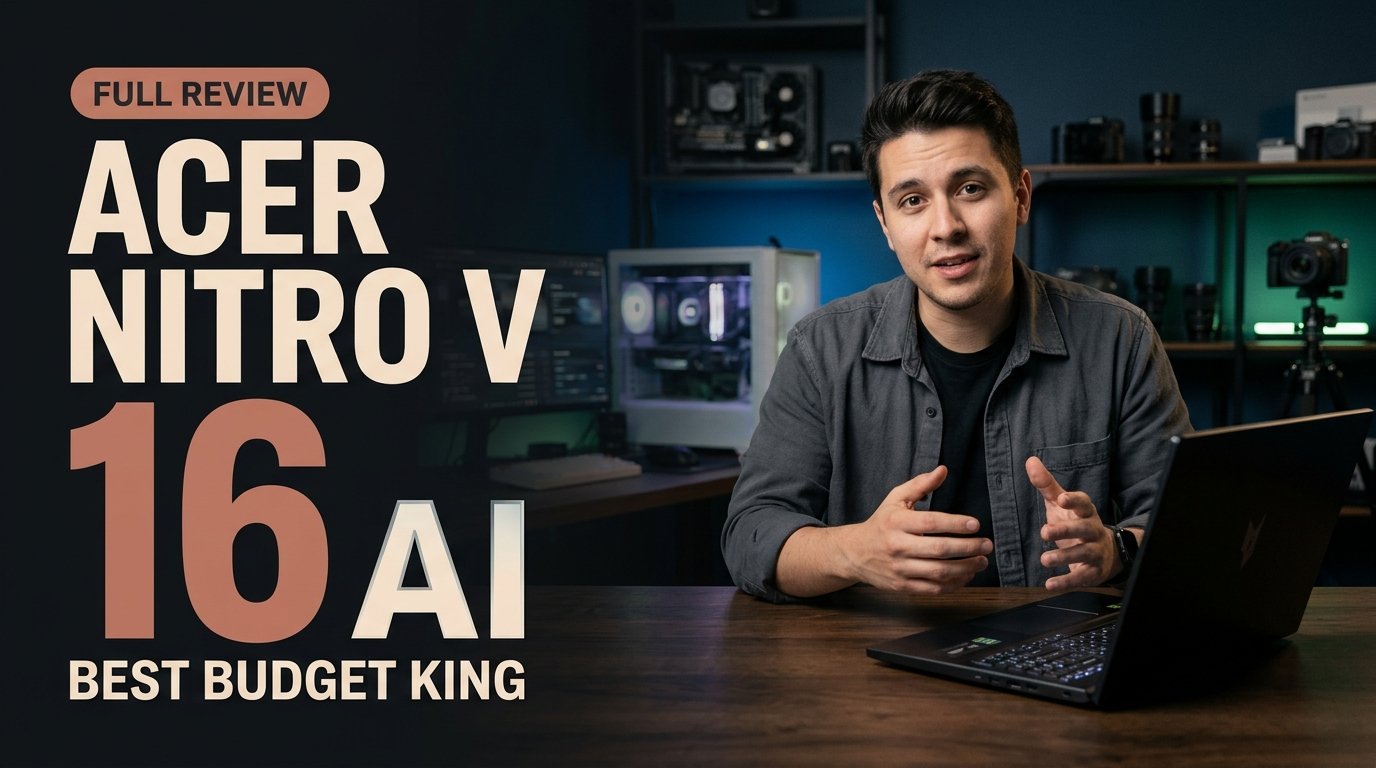
The Acer Nitro V 16 AI earns best-budget-gaming honors in November 2026 by pairing smooth 1080p and 1440p gaming with CAD and Blender capability under the $1,000 barrier. For university students and beginner 3D creators, its dual SODIMM RAM slots and extra M.2 SSD bay deliver rare long-term value despite a plastic chassis and modest speakers.
Smart Corners Cut, Core Performance Kept
Budget gaming laptops often fail students in one of two predictable ways: either the manufacturer installs a sluggish display and soldered memory to hit an aggressive price tag, or thermal throttling ruins sustained performance during long study and gaming sessions. In late 2026, the Acer Nitro V 16 AI avoids both traps by concentrating its engineering budget on frame rates, creator acceleration, and user-serviceable internals.
Instead of chasing CNC-milled aluminum or boutique speaker arrays, Acer prioritizes what matters on a dorm desk. The 16-inch form factor gives engineering students, computer science majors, and aspiring game developers extra vertical screen real estate for timelines, code editors, and 3D viewports without pushing the retail price past $1,000. That deliberate balance is why the Acer Nitro V 16 AI stands out in a crowded entry-level category.
Gaming Frame Rates Across Esports and Modern AAA Releases
Where the Acer Nitro V 16 AI justifies its reputation is in day-to-day gaming consistency. Competitive esports titles run smoothly at 144Hz and beyond at 1080p, letting players take full advantage of high-refresh responsiveness in fast-paced shooters and arena games. When you step up to demanding modern AAA releases, toggling medium-to-high visual presets alongside NVIDIA DLSS upscaling maintains fluid frame pacing at both 1080p and 1440p.
How DLSS Extends Sub-$1,000 GPU Longevity
For budget buyers, hardware longevity matters as much as launch-day benchmarks. Relying on DLSS upscaling reduces raw rendering overhead while preserving crisp edges and readable in-game text. Students who expect one laptop to last across a four-year degree benefit directly from this headroom, because newer game engines can be tuned cleanly without dropping to blurry low-resolution presets.
Thermal Behavior During Extended Sessions
Sustained gaming and multi-hour rendering sessions expose weak cooling systems quickly. Keeping the Nitro V 16 AI elevated slightly on a hard desk surface ensures unrestricted bottom-intake airflow, helping the cooling fans maintain steady clock speeds without sudden frame-rate dips.
Acoustic Expectations in Shared Dorm Rooms
Like nearly every sub-$1,000 gaming machine, fan noise rises noticeably under full GPU load. Switching to a quieter performance profile during lectures or library study sessions keeps acoustics polite, while a headset easily masks fan spin during evening matches.
Student Productivity, CAD, and Entry-Level 3D Creation
Most students cannot justify buying a separate workstation for coursework and a dedicated console for downtime. The Acer Nitro V 16 AI bridges both worlds cleanly. Its discrete graphics acceleration handles viewport navigation in Blender, introductory CAD assemblies, and beginner game-development engines far more reliably than thin ultrabooks relying solely on integrated graphics.
That dual-purpose capability also pays dividends in multimedia assignments. Video timelines scrub smoothly, shader compilations finish faster, and multitasking across browser research tabs, note-taking apps, and local development environments feels snappy once memory is properly configured.
Upgradeability: The Secret Weapon for Multi-Year Value
Many slim laptops in late 2026 solder memory directly to the motherboard, locking buyers into expensive factory tiers at checkout. The Acer Nitro V 16 AI takes the opposite approach. With dual SODIMM RAM slots and an extra M.2 SSD bay inside, students can purchase an affordable base configuration today and expand capacity later as project files and game libraries grow.
- Start with the base tier under $1,000: Keep upfront semester costs low without permanently sacrificing memory ceilings.
- Add a second M.2 NVMe SSD first: Modern AAA titles and Blender asset libraries consume storage quickly; the spare M.2 bay avoids cloning your primary operating system drive.
- Upgrade dual-channel SODIMM RAM in Year Two: Moving to higher-capacity matched memory sticks accelerates complex 3D scenes, virtual machines, and heavy multitasking.
- Clean intake vents every six months: Periodic dust maintenance preserves thermal efficiency and extends component lifespan through graduation.
What You Get—and What You Trade
Honest budget hardware reviews require weighing compromises alongside strengths. To keep the Acer Nitro V 16 AI accessible below $1,000, Acer makes three clear trade-offs that buyers should plan around before checkout.
You May Also Like
- Reliable Gaming Muscle: Plays esports titles at 144Hz+ and modern AAA games smoothly at medium-high settings with DLSS enabled.
- Easy Upgrades: Dual SODIMM RAM slots and an extra M.2 SSD bay let you expand memory and storage affordably later without replacing the entire laptop.
- Plastic Chassis Construction: The exterior favors durable, utilitarian plastic over premium metal, keeping weight manageable while showing more flex than flagship rigs.
- Modest Built-In Speakers: Audio works fine for quick lecture clips and voice calls, but thin bass and limited volume mean headphones or external speakers are essential for gaming and media.
- Average Unplugged Battery Life: Like most budget gaming laptops, high-performance internals draw steady power away from the wall, so keeping the power brick in your backpack is a practical necessity for full campus days.
Evaluation Area Acer Nitro V 16 AI Strength Practical Trade-Off for Students
Gaming Performance 144Hz+ esports and smooth AAA at medium-high with DLSS Requires plugged-in power for peak frame rates
Creator & STEM Workloads Capable CAD, Blender, and entry-level game dev acceleration Heavier than thin-and-light ultrabooks in a backpack
Internal Upgradeability Dual SODIMM RAM slots plus an extra M.2 SSD bay Requires removing the bottom panel for DIY installation
Build & Audio Practical 16-inch dorm-ready layout under $1,000 Plastic chassis and modest speakers call for headphones
Portability & Power Balanced desktop-replacement footprint for study spaces Average battery life away from wall outlets
A practical, no-nonsense starter rig for dorm rooms and entry-level game dev—the Acer Nitro V 16 AI puts every dollar into frame rates and upgradeability rather than cosmetic luxury.
Who Should Buy the Acer Nitro V 16 AI in Late 2026?
If your top priority is all-day unplugged battery life across back-to-back seminars without carrying a charger, a lightweight ultrabook will serve you better. However, if you want one sub-$1,000 machine that handles competitive gaming at 144Hz+, runs AAA releases cleanly with DLSS, accelerates Blender and CAD coursework, and lets you upgrade both RAM and SSD storage down the road, the Acer Nitro V 16 AI remains one of the smartest student buys of late 2026.
Frequently Asked Questions
Is the Acer Nitro V 16 AI good for university engineering and 3D students?
Yes. Its discrete graphics performance handles CAD workflows, Blender modeling, and entry-level game development comfortably, while dual SODIMM RAM slots allow affordable memory expansion for heavier upper-division projects.
Can you upgrade the RAM and storage on the Acer Nitro V 16 AI?
Yes. The laptop includes dual user-accessible SODIMM RAM slots and an extra M.2 SSD bay, making it straightforward to expand both memory and storage without replacing the original drive.
What are the main compromises of the Acer Nitro V 16 AI?
To stay under the $1,000 mark, Acer uses a plastic chassis and modest built-in speakers, and battery life away from the wall is average. Pairing the laptop with a good headset and carrying the power brick resolves most daily limitations.
Can the Acer Nitro V 16 AI run modern AAA games smoothly?
Yes. Alongside 144Hz+ performance in esports titles, it delivers smooth frame rates in modern AAA games at 1080p and 1440p using medium-to-high settings paired with DLSS.




Comments (0)
Leave a Comment