
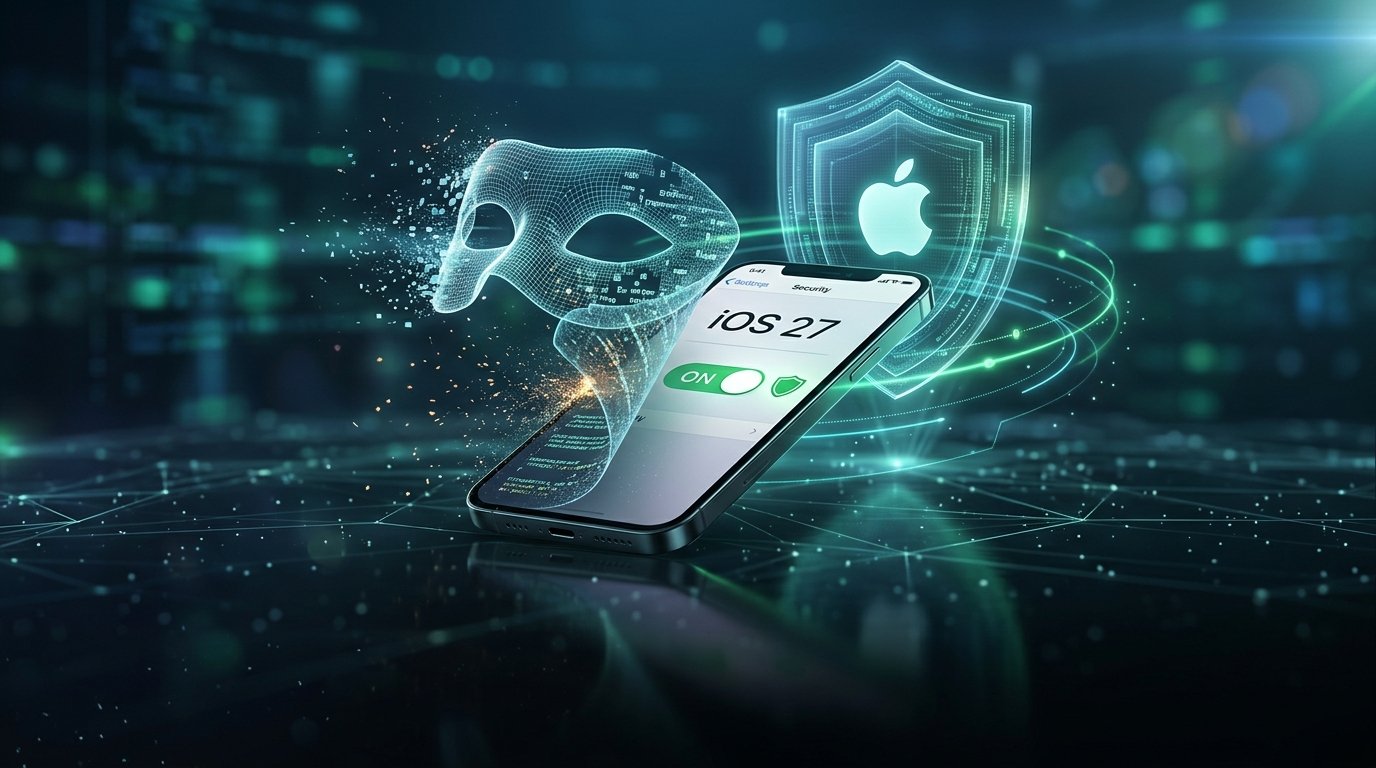
With AI-assisted voice cloning and spoofing attacks rising in late 2026, Apple quietly introduced a powerful anti-fraud tool in iOS 27 and iPadOS 27 called Impersonation Risk Detection—yet as 9to5Mac and ZDNET point out, the toggle is switched off by default.
What Does Impersonation Risk Detection Do on iOS 27?
When enabled, the system provides supported communication and financial apps with on-device risk signals that flag suspicious caller metadata, spoofed contact profiles, and high-pressure social engineering patterns.
3 Steps to Activate Scam Protection on Your iPhone
- Open Settings: Launch the Settings app on any iPhone or iPad running iOS 27 or iPadOS 27.
- Navigate to Privacy & Security: Scroll down and tap Privacy & Security.
- Toggle On Protection: Select Impersonation Risk Detection and switch the toggle to the green ON position.
Taking ten seconds to enable Impersonation Risk Detection gives iOS 27 users an immediate on-device shield against bank and government spoofing scams.
Why Apple Left the Setting Opt-In at Launch
Apple traditionally introduces behavioral security heuristics as opt-in features first to minimize false positives and preserve strict on-device privacy guarantees.
Combining iOS 27 Safeguards With Passkeys
Pair this setting with hardware-backed Passkeys and Stolen Device Protection for comprehensive mobile account security. Full primary documentation is available via 9to5Mac Guide to iOS 27 Scam Protection.




Comments (0)
Leave a Comment