
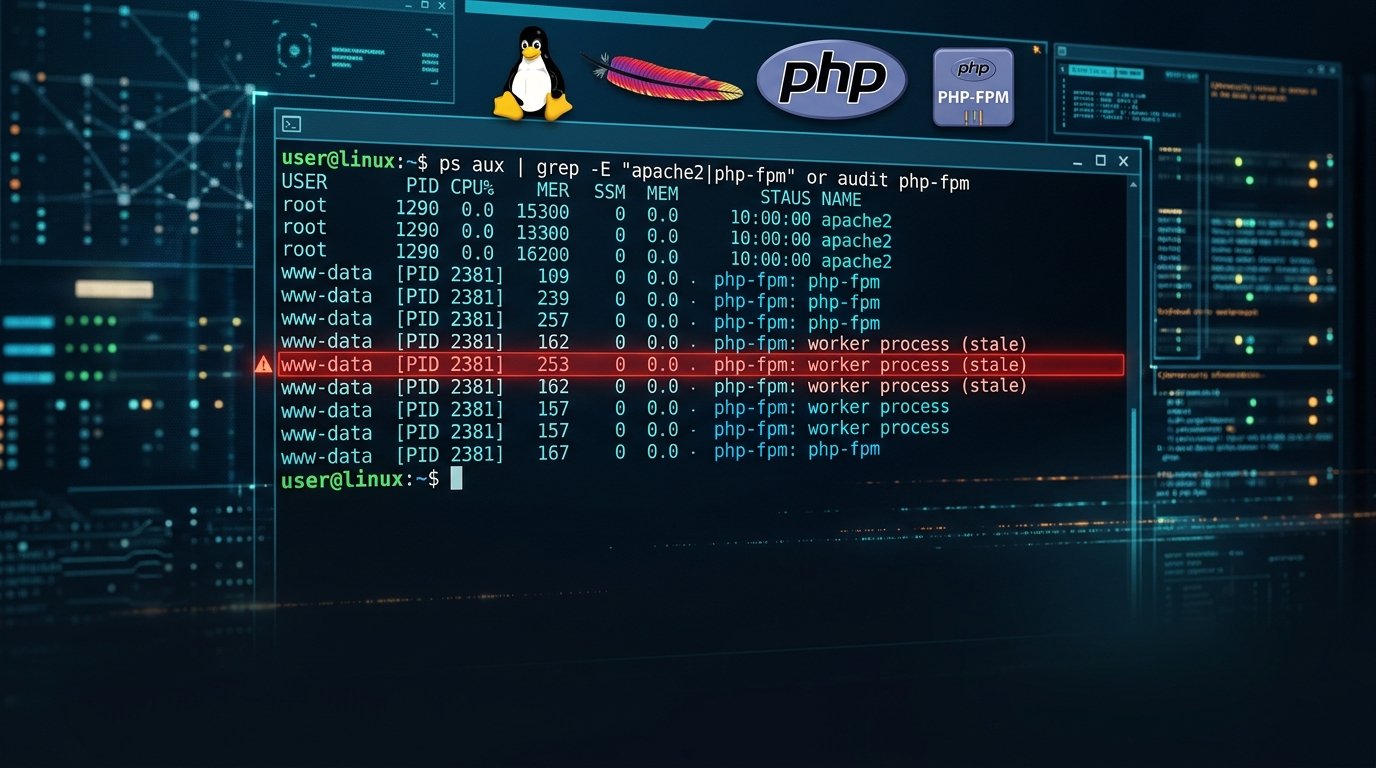
One of the most common operational mistakes during emergency patching is assuming that a server is safe immediately after running apt upgrade or dnf update. As highlighted in a technical guide on Zenn, long-running PHP-FPM and Apache processes keep executing the vulnerable code in RAM until every worker is explicitly restarted.
Why 'php -v' in the Terminal Can Mislead Sysadmins
The command-line interface (php -v) frequently points to a different PHP binary or branch than the socket or module configured inside your Nginx or Apache virtual host.
Essential Verification Commands for Debian, Ubuntu, and RHEL
- List Active PHP Services: Run
systemctl list-units --type=service | grep -i phpto locate all running FPM pools across multiple installed branches. - Check Open Deleted Libraries: Run
lsof -nP +L1 | grep -i phpto spot worker processes still holding unlinked, pre-patch binaries in memory. - Verify Distro Changelogs: On Debian/Ubuntu LTS backports where version numbers stay static, run
apt-cache policy php8.2-fpmand inspect the changelog forCVE-2026-109618.
After apt upgrade, the patched files sit on disk, but your live web workers remain vulnerable until the service process tree restarts.
Hunting for Post-Exploitation Artifacts Since October 17
Check /var/log/apache2/error.log and /var/log/php*-fpm.log for Allowed memory size exhausted in Unknown on line 0 paired with exit signal Segmentation fault (11).
Securing Forgotten Containers and Admin Panels
Don't forget to inspect monitoring tools, webmail instances, and game server panels like Pterodactyl that bundle their own PHP-FPM containers. Full primary documentation is available via Zenn Technical Server Audit Guide for PHP2Shell.




Comments (0)
Leave a Comment